Mantra Timer Stopwatch Clock
Enormous digits you can read from across the room, in one window. T is a timer, S a stopwatch, C the time of day. Keep it on top of everything, make it full screen inside its own window, or let only the numbers float over your work.
Version 22 · macOS 14 or newer · Apple Silicon and Intel · 0.6 MB
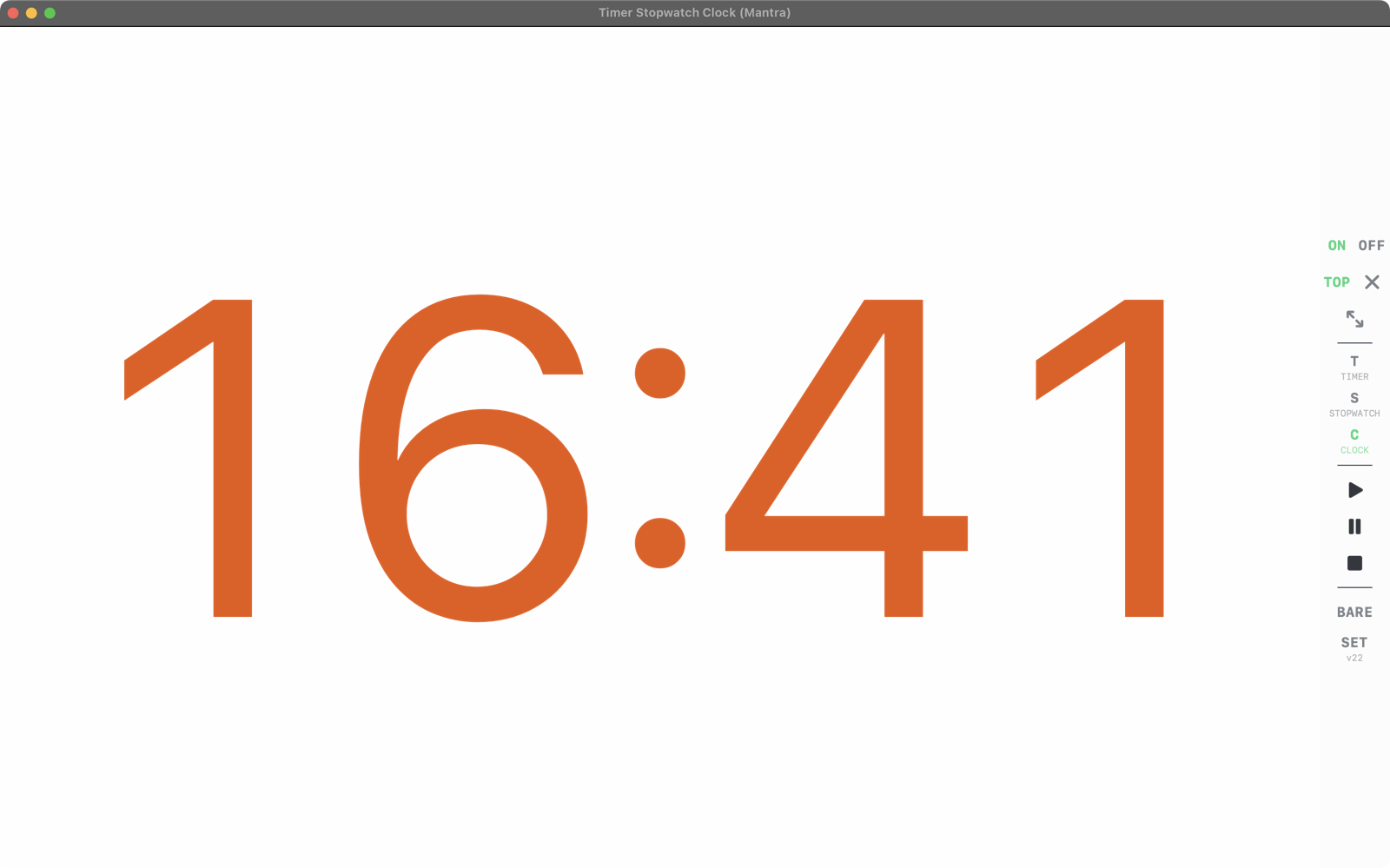
C, the clock, in Claude Code's own orange; the controls on the right.
Read it across the room
The digits fill the window and never jump in width while they count. No leading zeros, nothing else on the black.
Timer with presets
15 seconds to 6 hours in big steps, twelve presets of your own, and a bird that sings three rising chirps at zero.
Stopwatch with a count-in
Up to 60 seconds counted in amber before it starts. A click starts or pauses, a double click goes back to zero.
On top, full screen, see-through
TOP keeps it above every window; full screen stays inside the window; two sliders fade the numbers and the background, down to digits alone.
Your colours
48 whites and oranges, each readable on black, normal or bold. It remembers its place, size and every setting.
Counts right through sleep
A monotonic clock: close the lid during a timer and it is still right when you open it.
Install
- Open the downloaded
MantraTimerStopwatchClock-22.dmgand drag Timer Stopwatch Clock (Mantra) onto Applications. - Open it. The first time, macOS says it cannot check the app: it is signed by its author, not through Apple's paid program. Go to System Settings › Privacy & Security, scroll down and press Open Anyway.
- No permissions needed. Space starts and pauses, Delete goes to zero, Esc leaves full screen.